
The software for real-time dashboards & smart applications
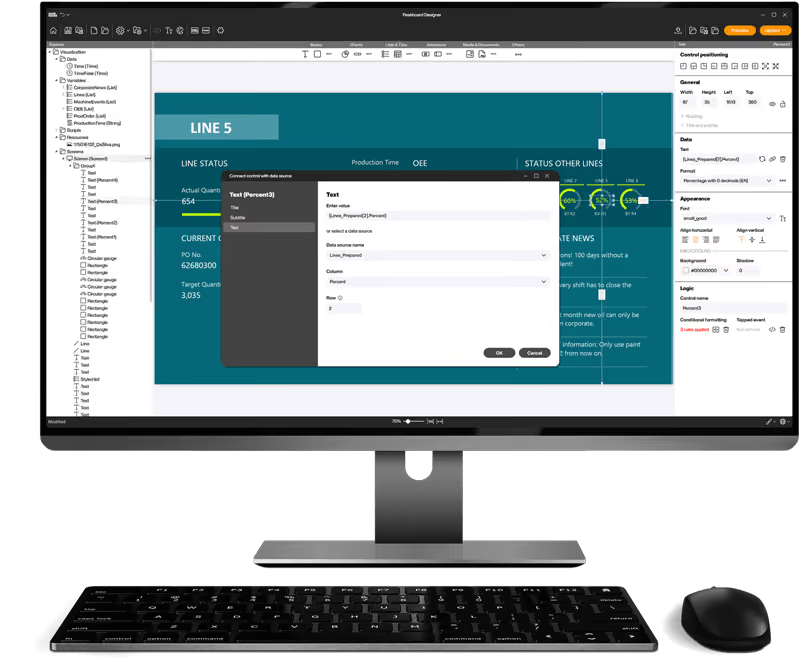
Create interactive dashboards and individual applications for your production and logistics — without programming. Connect machines, sensors and IT systems, process data in real time and visually get to the heart of your processes.
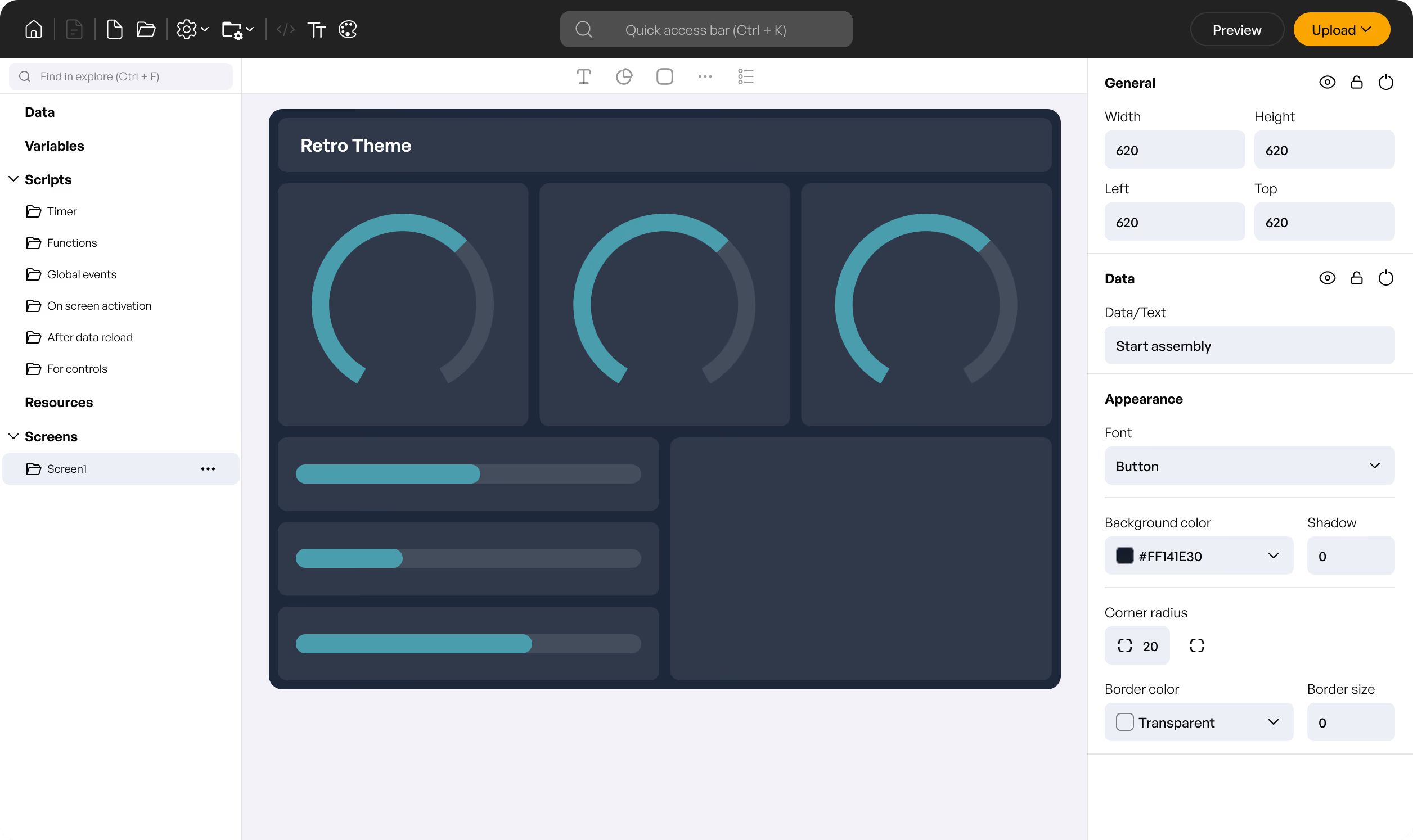


Dashboards & applications
created in minutes. No code at all.
Smart logics — completely without code
Build your own if-then rules, processes, or user interactions with just a few clicks. With the visual building blocks, you can adapt your applications exactly to your requirements — without scripting.

Connect, analyze & use data
Whether it's SAP, SQL, REST, OPC UA or machine control — integrate your data sources centrally and process them live with data flows. Filter, combine and analyze your production data directly in the application.

Interactive dashboards & applications
Whether touch screens on the shop floor, IPCs in logistics or large monitors in manufacturing: with Peakboard Designer, you develop applications that are tailored exactly to your processes — clickable, reactive and can be used in operation.

Save time with
our templates
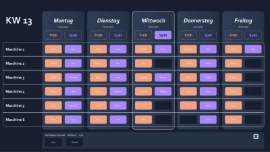
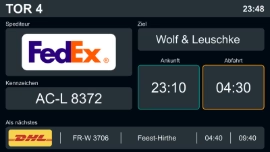
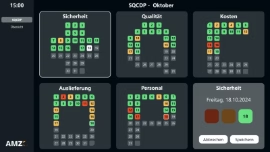
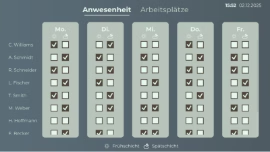
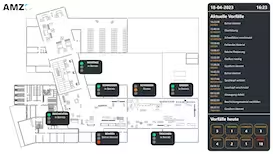
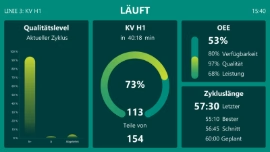
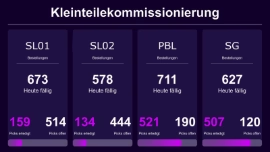
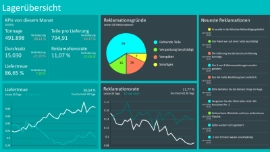
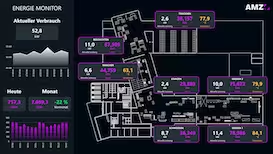
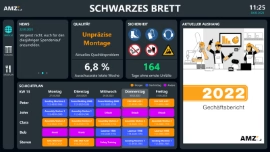
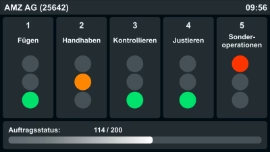
No time for long designs? No problem: Use one of the many ready-made templates for dashboards and applications — e.g. for production monitoring, warehouse management or quality assurance. Pick a template, customize it, and you're done.






Frequently asked questions
The language in Peakboard Designer is changed via the flag icon in the bottom right corner.
Software updates cost nothing extra. All updates and technical support are included under a valid maintenance contract.
Peakboard Designer is available in German and English, as is the Peakboard help site.
Peakboard releases an update roughly once a month. Under the SLA you have access to all updates. Peakboard recommends updating 2–3 times a year or whenever a specific need arises. Security-relevant updates are communicated actively. All release information is published on the Peakboard help site.
Guides and tips for Peakboard Designer are published on the Peakboard help site and on the Peakboard YouTube channel.
Yes. Peakboard provides ready-made dashboard templates that can be customised in Peakboard Designer – available on the Peakboard template site.
Download Peakboard Designer
Peakboard Designer for Windows
- For Windows
- No account required — get started right away
- Download link via email