DISPLAYS ON SITE
1 Display
EMPLOYEES
18
Data sources


1 Licence
One licence per display

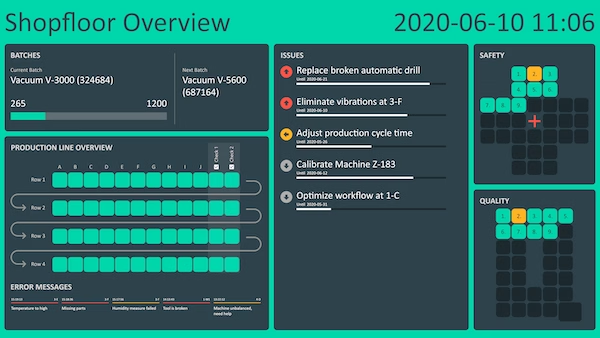
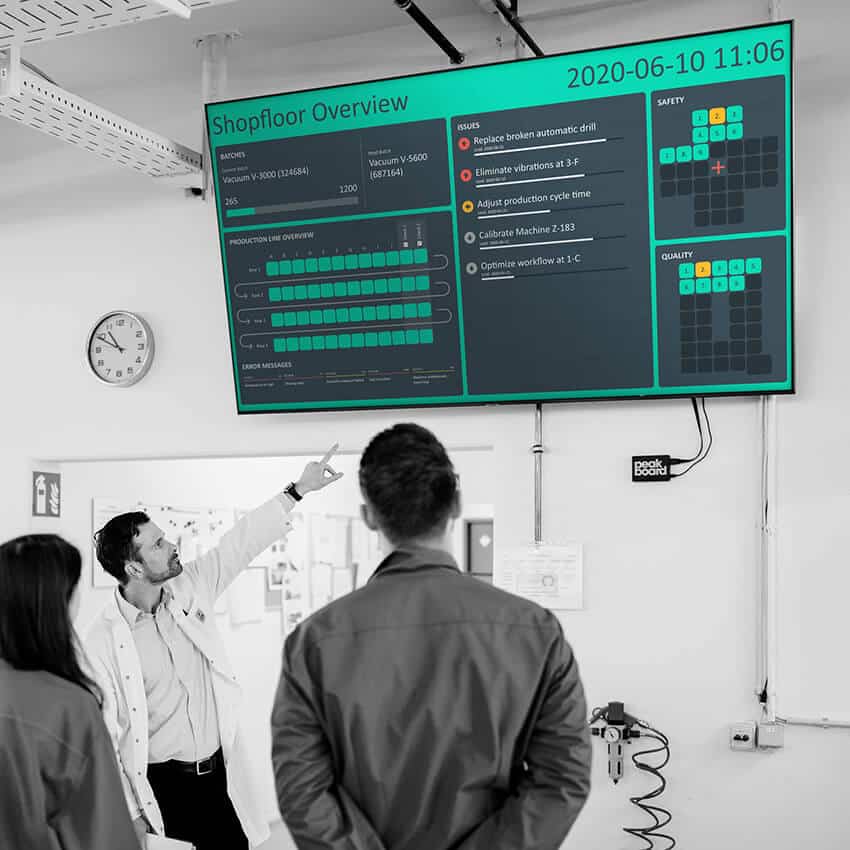
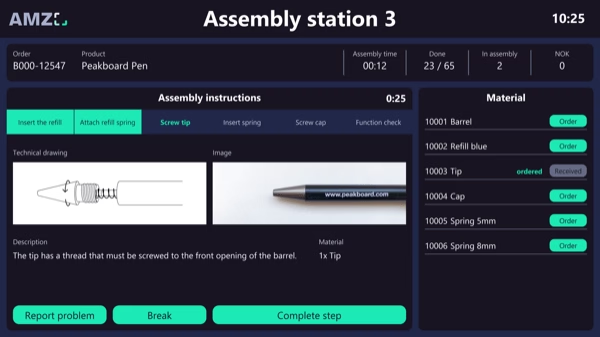
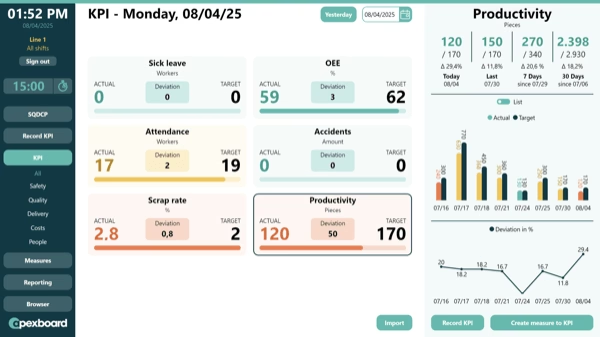
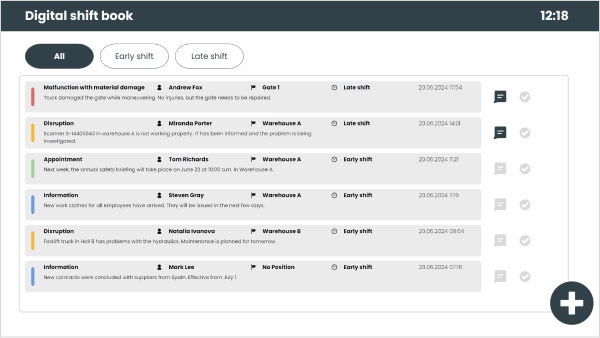
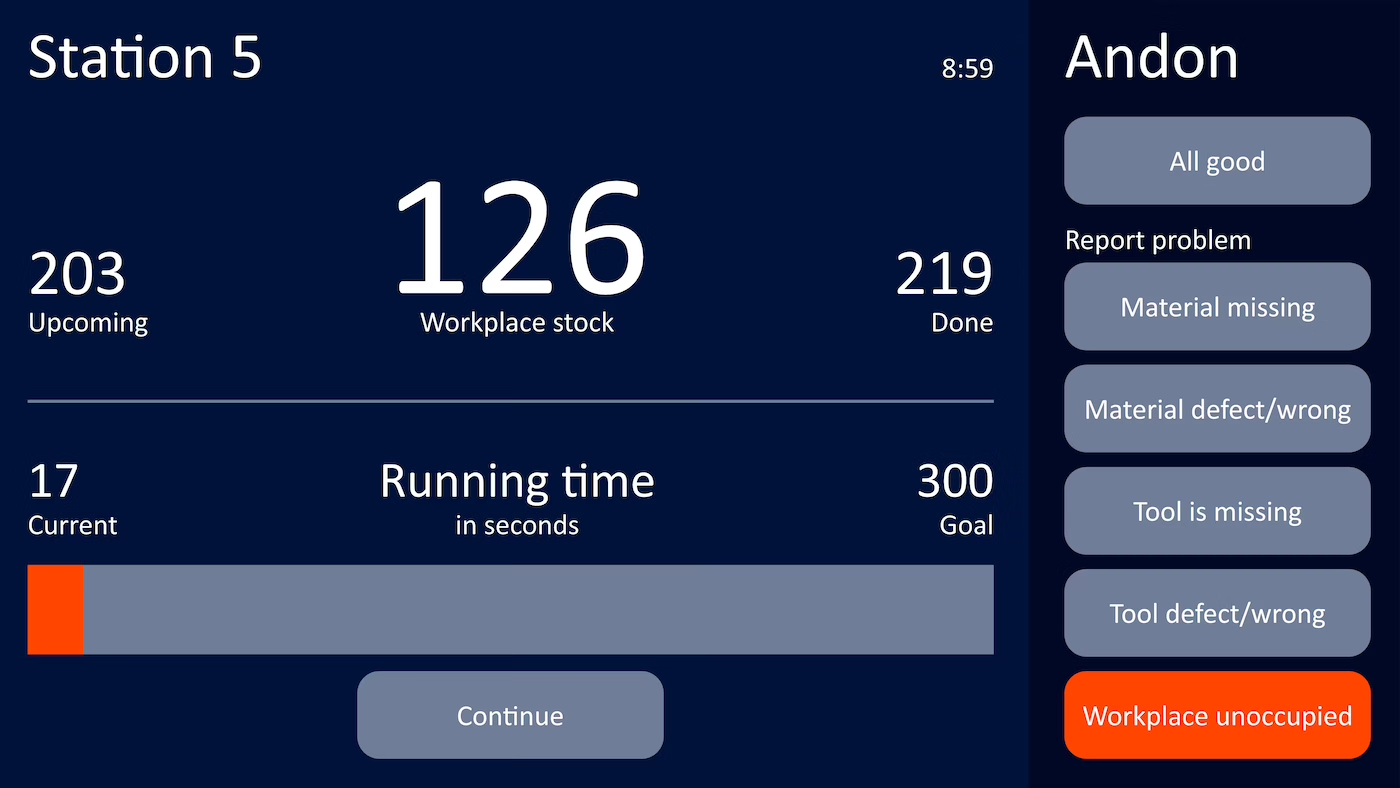
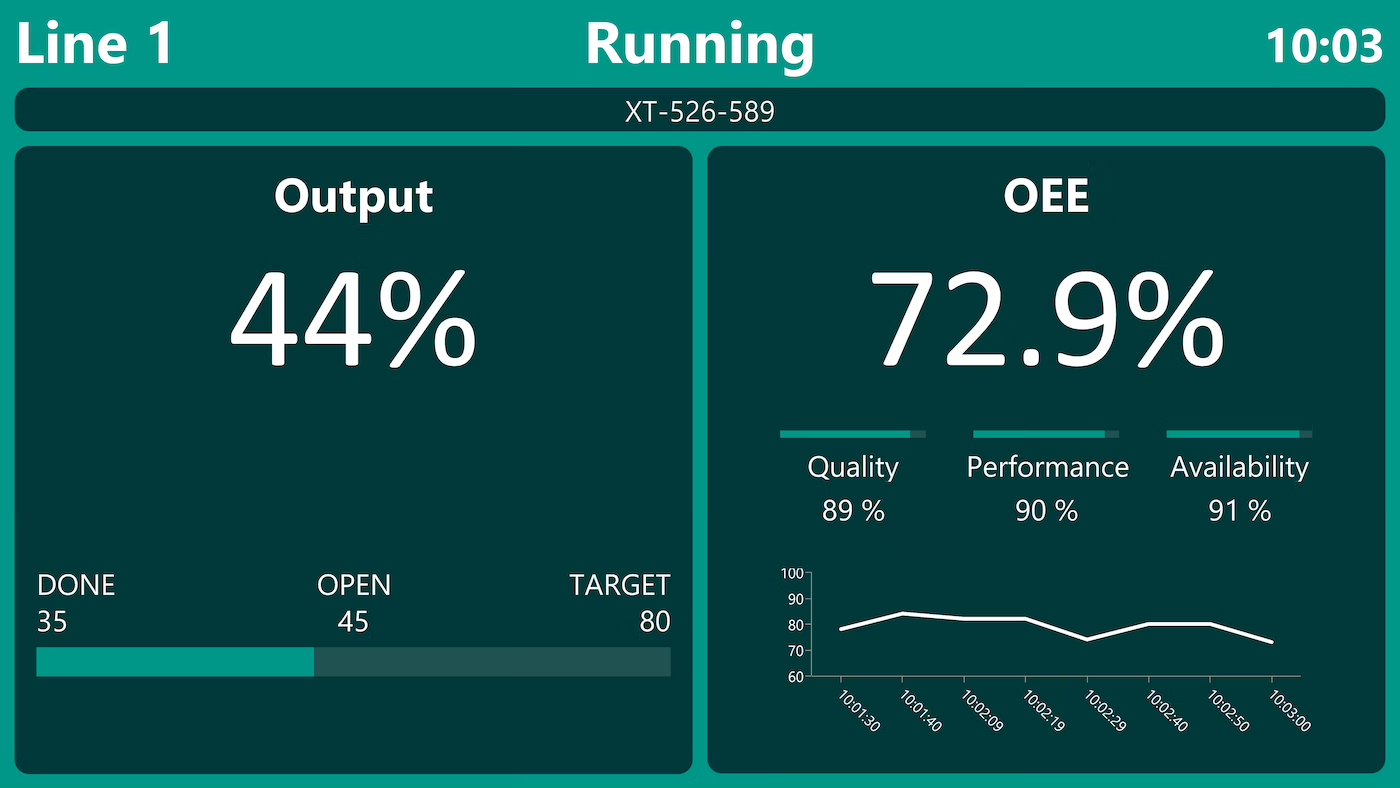
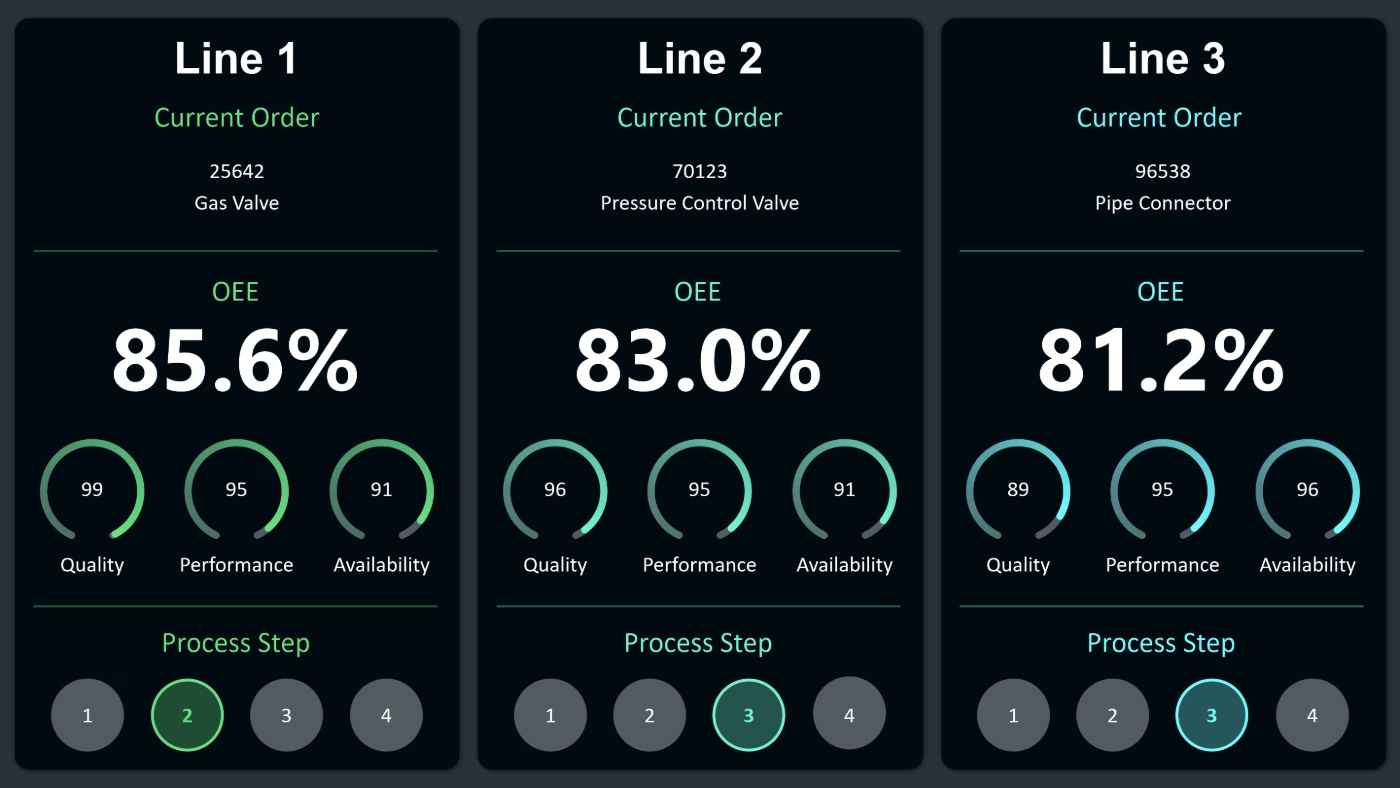
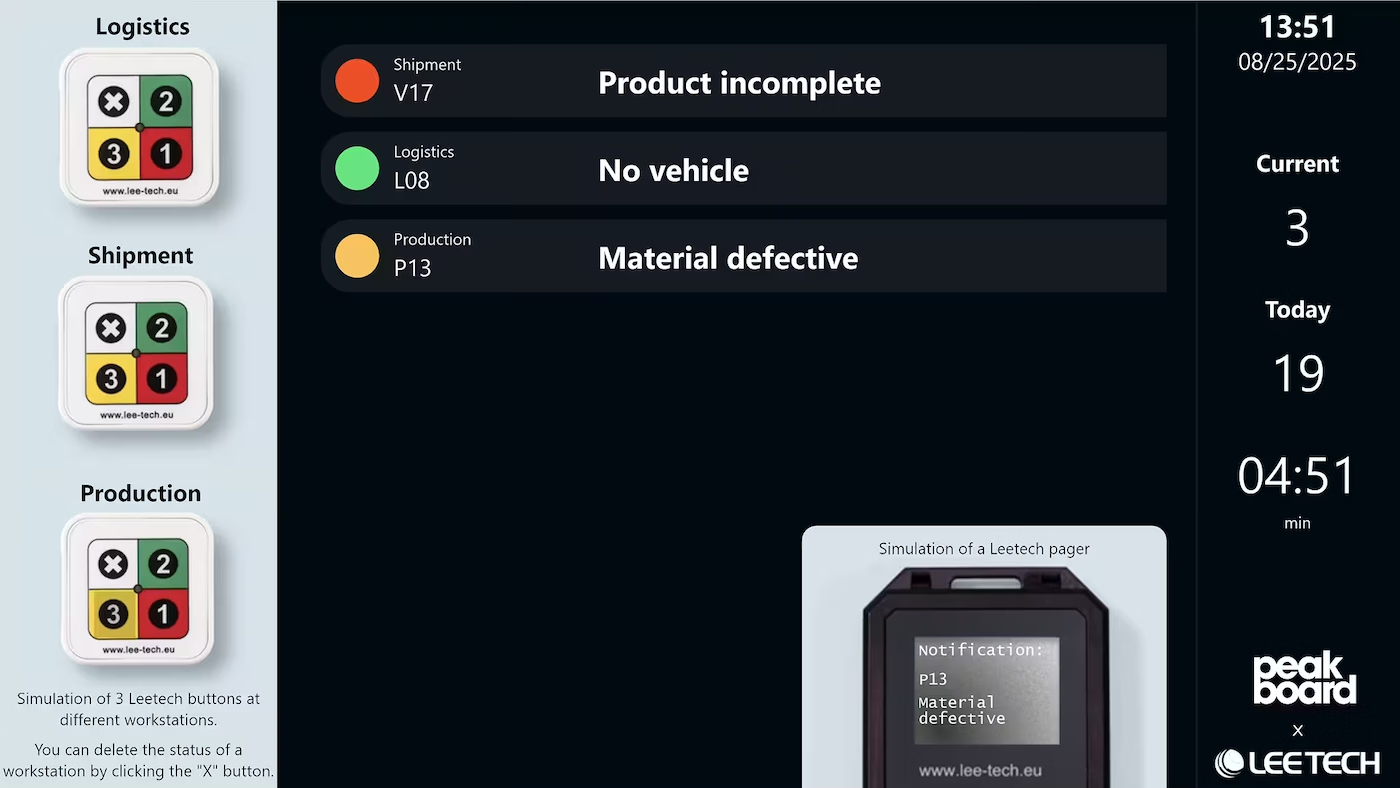
With a digital shopfloor management board from Peakboard, you show the status of your production line, open tasks, and safety and quality metrics centrally on one display – via Safety Cross and Quality Q, with no programming skills required.


Outdated information on paper and notice boards.
Paperwork makes quick decisions harder.
Slow response times due to missing real-time data.

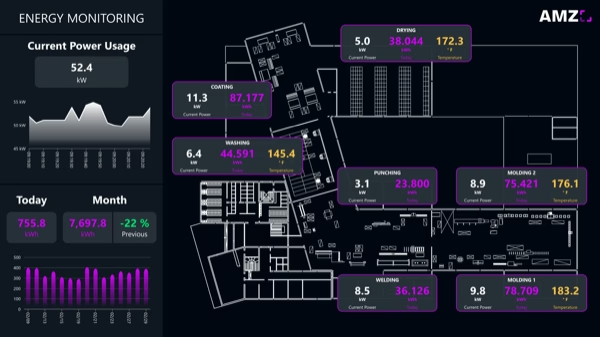
Native SAP connector, OPC UA, MQTT, and dozens of other sources are available out-of-the-box. You just connect, instead of integrating – and the data appears directly at the shop floor.


%201.svg)


%201.svg)


A new metric, a different layout, an extra line – thanks to the low-code editor and Peakbot, departments can adapt the shopfloor board themselves, without programming skills.
Whether on the Peakboard Box or your own hardware – both run 100% on-prem, with no single point of failure or dependency on US providers.
Device-based pricing instead of user-based licences: one licence per display, unlimited users per device. More employees on the same display cost nothing extra.



Introducing a shopfloor board shouldn't take a year. With Peakboard, you start immediately – no appointment, no major IT project.




Start Immediately · No Appointment · Free
If you need support: You'll find tutorials and step-by-step guides on our Helpsite and our YouTube channel. For individual needs, we offer workshops and consulting.
In conversation · With experts · 55 min.
Discuss your specific use case with an expert – briefly provide information about your use case beforehand, and we'll get straight to the point.
You'll get a complete overview of all features and see what's possible with Peakboard in your environment.

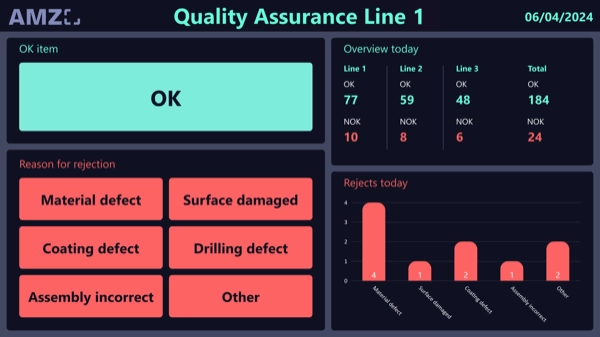
With Peakboard, you make safety and quality visible on your production line. The Safety Cross and Quality Q show workplace accidents and product quality in a calendar-style overview – for a clear picture as part of your continuous improvement process.
The board shows the overall status of a production line, open tasks, and safety and quality metrics – visualised through the Safety Cross and the Quality Q.
The Safety Cross is a calendar-style tile view that makes workplace accidents and their severity visible per day – a classic lean management tool for continuous improvement.
The Quality Q displays product quality through the same tile calendar, making quality deviations visible at a glance.
Values for individual tiles are adjusted and saved directly via touchscreen or mouse – employees and managers see the current status at any time.
Yes. Layout, metrics, and display can be adjusted in the Peakboard Designer via low-code, with no IT project required.
You can use the Peakboard Box as a dedicated device or, with the BYOD licence, use existing touchscreens on the line.